

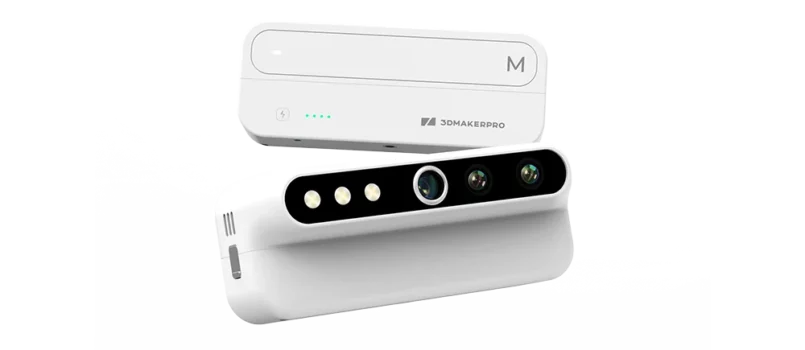
3DMakerpro Turtle
Scanner 3D 3DMakerpro Turtle, Swappable, 2.3Mp Sensor, Up do 30fps, 2K Touchscreen module,...
Scanner 3D 3DMakerpro Turtle, Swappable, 2.3Mp Sensor, Up do 30fps, 2K Touchscreen module,…
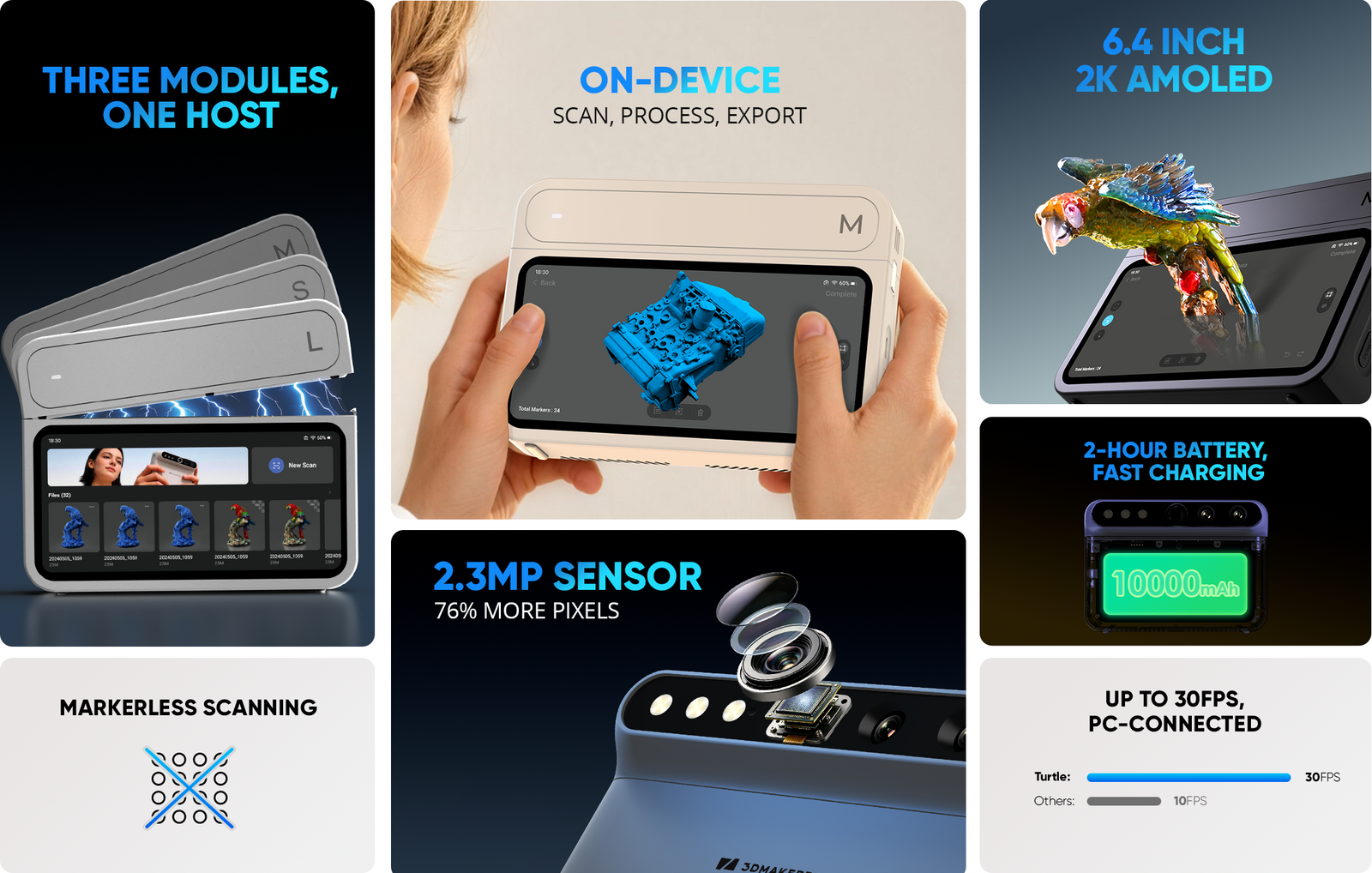
- Swappable S / M / L modules
- 2.3MP Sensor, 76% more pixeels
- Up to 30 fps, PC-connected
- Standalone 6.4″ 2K touchscreen
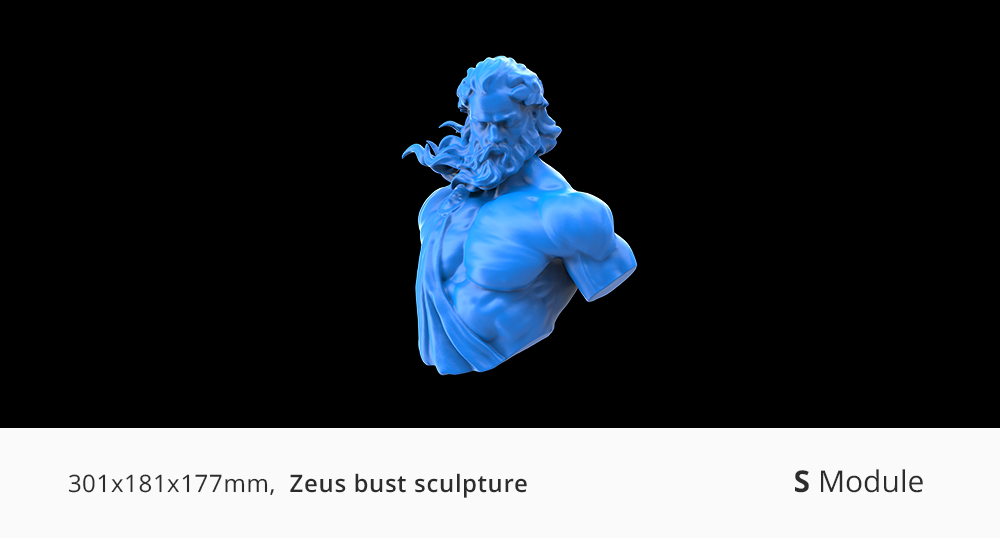
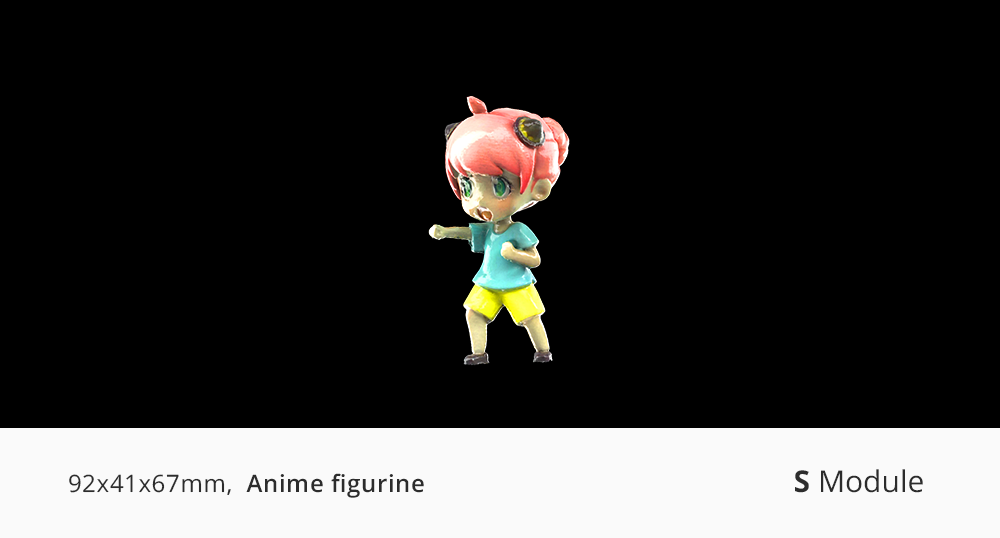
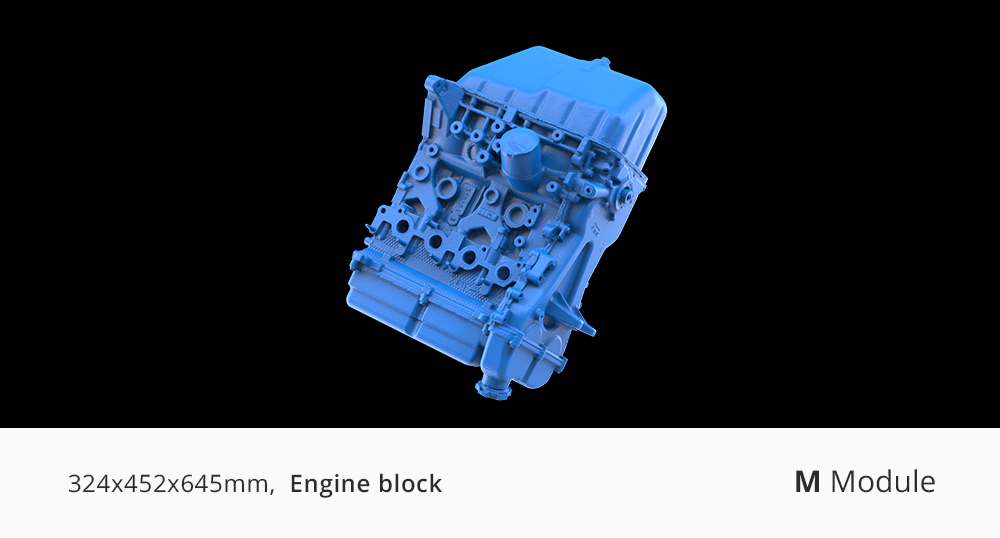
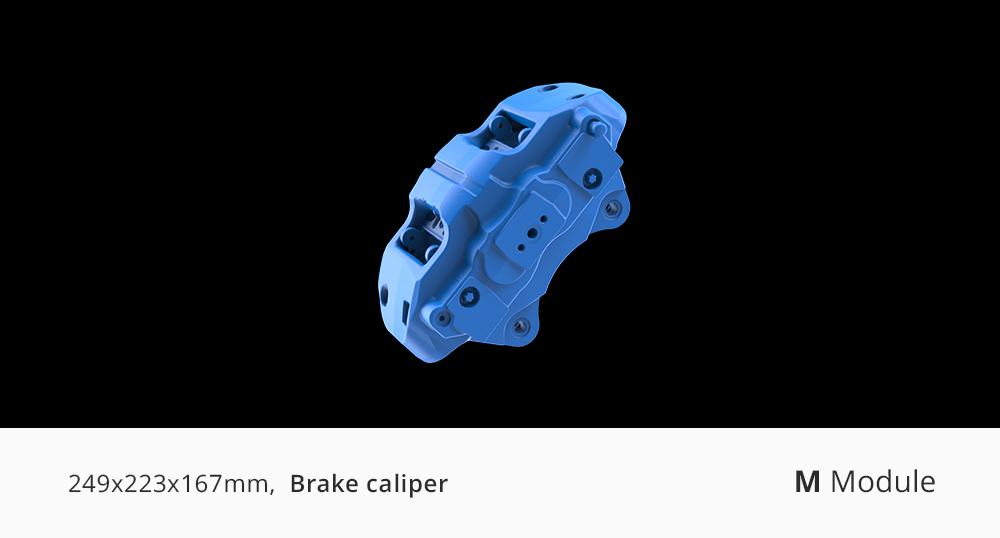
- Scan objects across a wide size range
Claim every contour.
Youtube Reviews of Turtle 3D Scanner
This review demonstrates Turtle’s performance in 3D scanning, highlighting accurate detail capture and flexible scanning for a wide range of objects.https://www.youtube.com/embed/pxd5gd7s7Ig?enablejsapi=1
3DMakerPro Turtle – Modular 3D Scanner Full Reviewhttps://www.youtube.com/embed/xj6QPzFTVlE?enablejsapi=1
3DMakerPro Turtle Full Review: The First Modular 3D Scannerhttps://www.youtube.com/embed/RiLK7zXBgHw?enablejsapi=1
3DMakerPro Turtle Review: The First Modular 3D Scanner – S, M & L for Every Size!https://www.youtube.com/embed/bKjXQMgyAsQ?enablejsapi=1
3D Maker Pro Turtle 3D Scanner First Impressionshttps://www.youtube.com/embed/ILTIv_Jia5Y?enablejsapi=1
3D Maker Pro Modular Scannerhttps://www.youtube.com/embed/a-4664O0alI?enablejsapi=1
Has 3D Scanning Finally Become Easy? | 3DMakerPro Turtle Reviewhttps://www.youtube.com/embed/9PaajOGYC1Q?enablejsapi=1
3DMakerpro Turtle 3D Scanner – Modular Mobile 3D Scannerhttps://www.youtube.com/embed/pxd5gd7s7Ig?enablejsapi=1
3DMakerPro Turtle – Modular 3D Scanner Full Reviewhttps://www.youtube.com/embed/xj6QPzFTVlE?enablejsapi=1
3DMakerPro Turtle Full Review: The First Modular 3D Scannerhttps://www.youtube.com/embed/RiLK7zXBgHw?enablejsapi=1
3DMakerPro Turtle Review: The First Modular 3D Scanner – S, M & L for Every Size!https://www.youtube.com/embed/bKjXQMgyAsQ?enablejsapi=1
3D Maker Pro Turtle 3D Scanner First Impressionshttps://www.youtube.com/embed/ILTIv_Jia5Y?enablejsapi=1
3D Maker Pro Modular Scannerhttps://www.youtube.com/embed/a-4664O0alI?enablejsapi=1
Has 3D Scanning Finally Become Easy? | 3DMakerPro Turtle Review
View More CHAPTER 01 · THE SYSTEM
One Host. Three Scanners.
Swap a module to change what you scan. Change the setup to change how. Everything else — capture, processing, export — stays on the device.
HANDHELD · SPLIT · DESKTOP
Three setups. One kit.
The module decides what you scan. The setup decides how you scan it. Any module works in any setup.
- Handheld mode – cable free, portable scanning
- Modular mode – scan hard-to-reach angles with ease
- Wired mode – engineer your workstation for peak performance
ON-DEVICE PROCESSING → NO LAPTOP REQUIRED
One device. Capture to export.
Scan, process, and export without a computer in the loop. Review your model on the 6.4″ 2K AMOLED screen the moment you finish, and take the file with you.
- 2.4GHz · 16GB RAM · 256GB SSD — the full workflow runs on the device
- No format lock-in. Export ASC / PLY point clouds and OBJ / STL meshes straight from the device, and open them in CloudCompare, MeshLab, Geomagic, or your CAD and slicing tools.
- A 3GB project transfers in about 35 seconds over 5GHz Wi-Fi. Direct hotspot and USB drive also supported.
S/M/L INDEPENDENT OPTICS → 10MM–2000MM COVERAGE
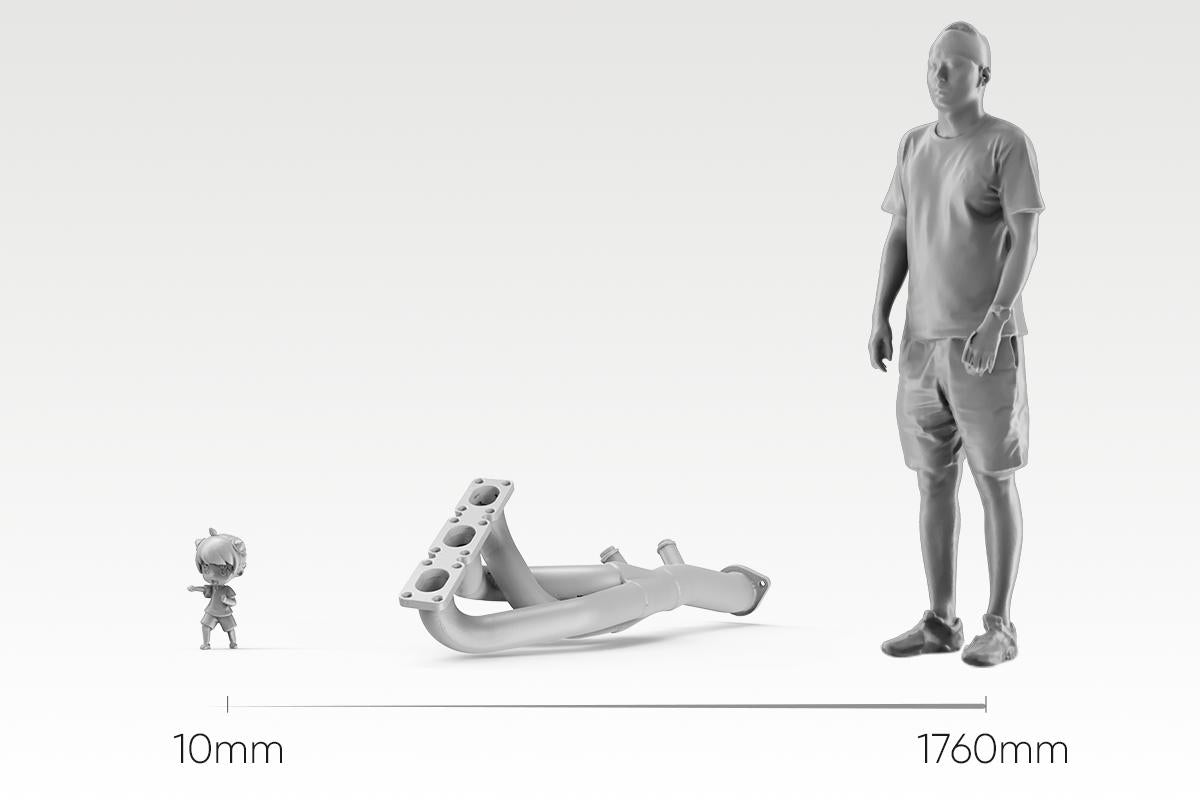
Scan a miniature. Scan a bumper
Three modules, each engineered for its own working range — not one lens stretched across every job. Swap in S for a 10mm miniature, L for a 2-meter panel, and the host stays the same.
- S module — 10–300mm, fine detail work
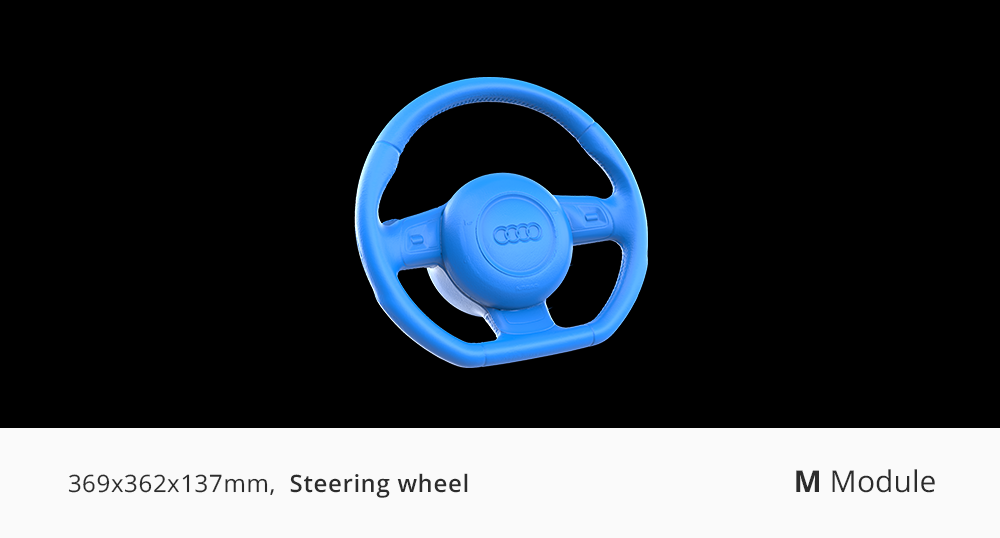
- M module — 15–1500mm, the everyday workhorse
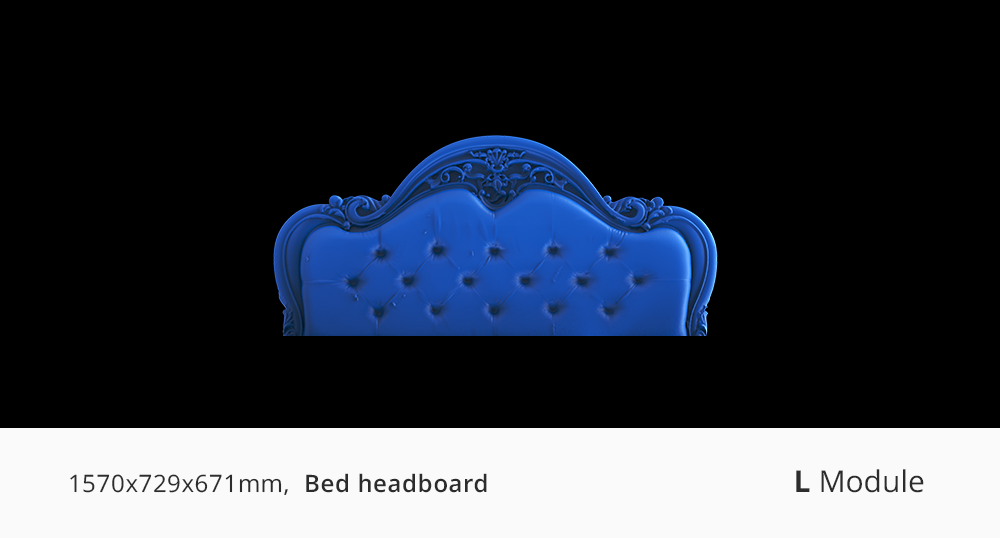
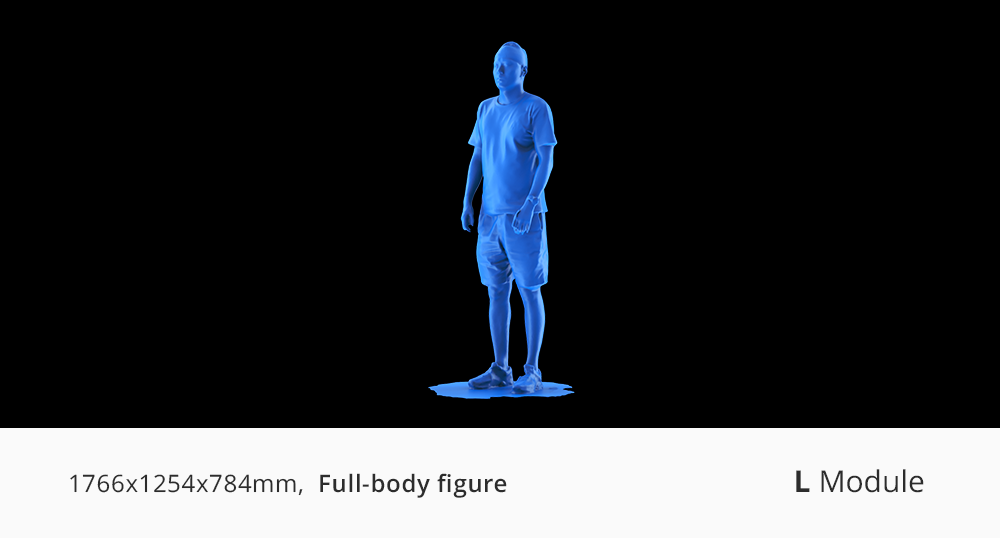
- L module — 100–2000mm, large parts and vehicles
- Calibration loads automatically the moment a module clicks in — no manual setup, no calibration board
CHAPTER 02 · THE HARDWARE
Two Upgrades You Can See.
A sharper sensor for detail and color. A stronger projector for coverage and depth.
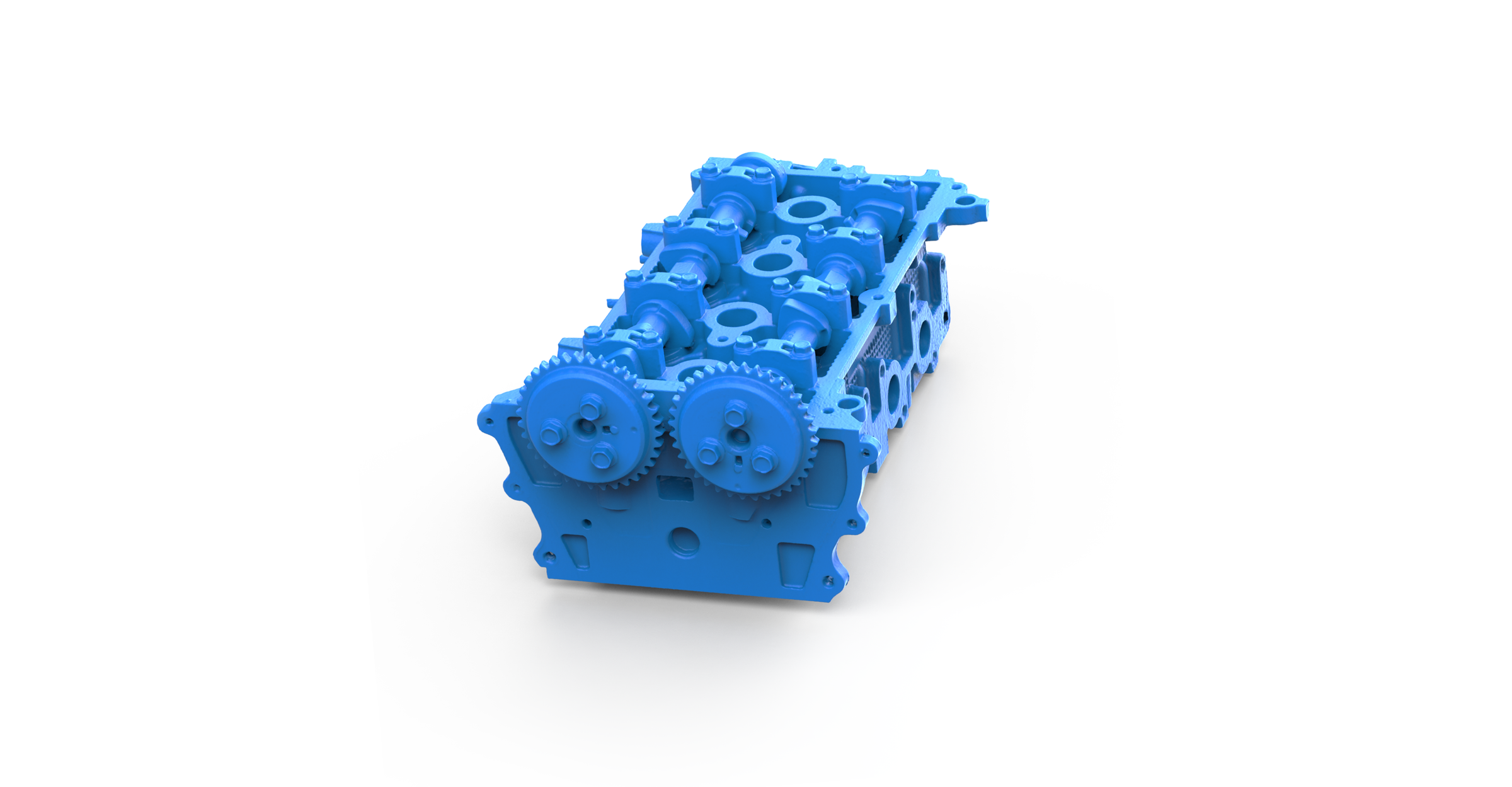
Detail You Can Zoom Into
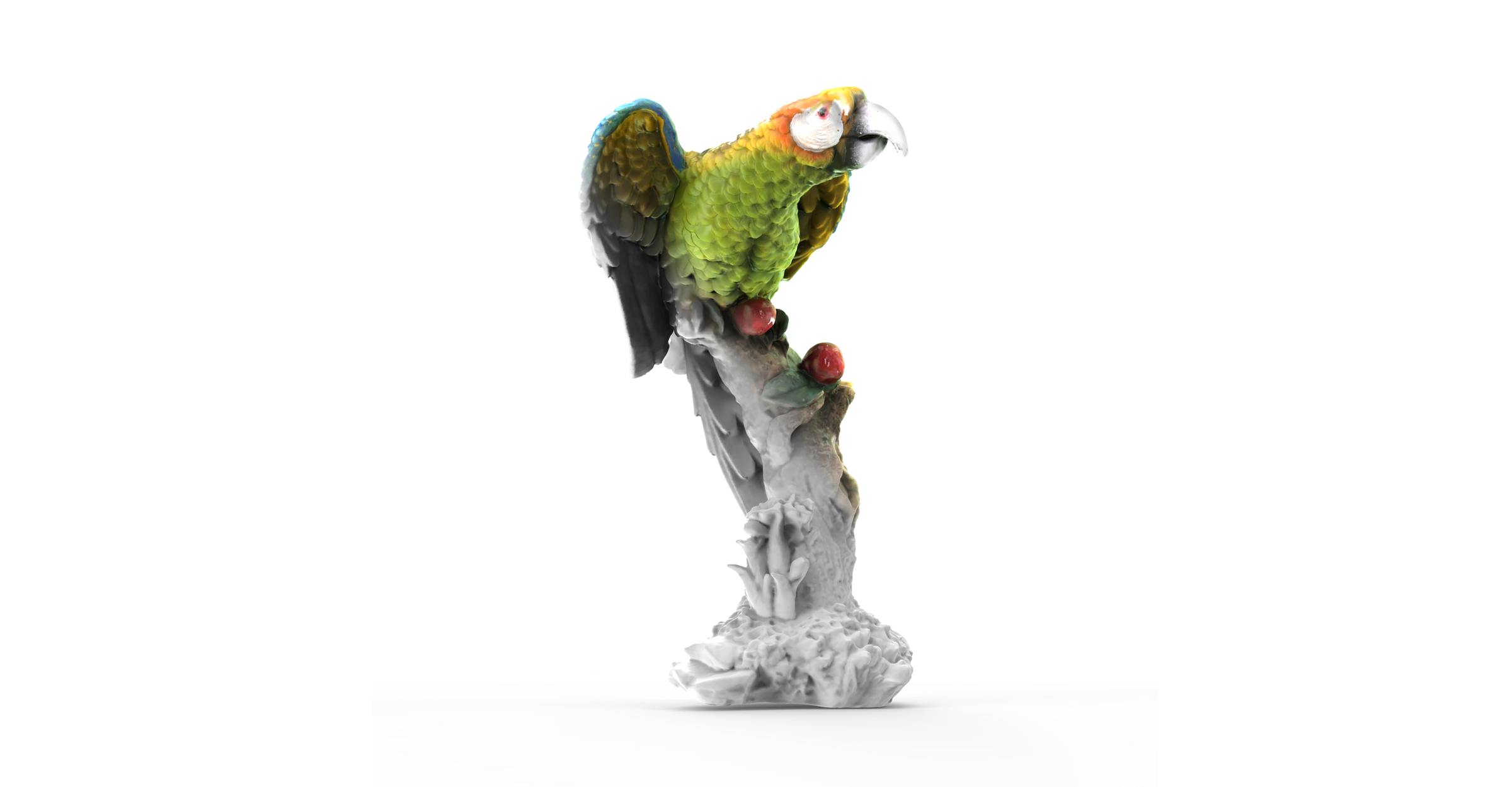
More pixels. More detail.
An upgraded sensor captures finer geometry and richer color across the Turtle Series — the same scan, with more in it.
Sensor pixels
2.3MPTurtle Series
1.3MPPredecessor
Resolution compares
Turtle M module0.07mm
Predecessor0.10mm
*Scanned with the Turtle M module
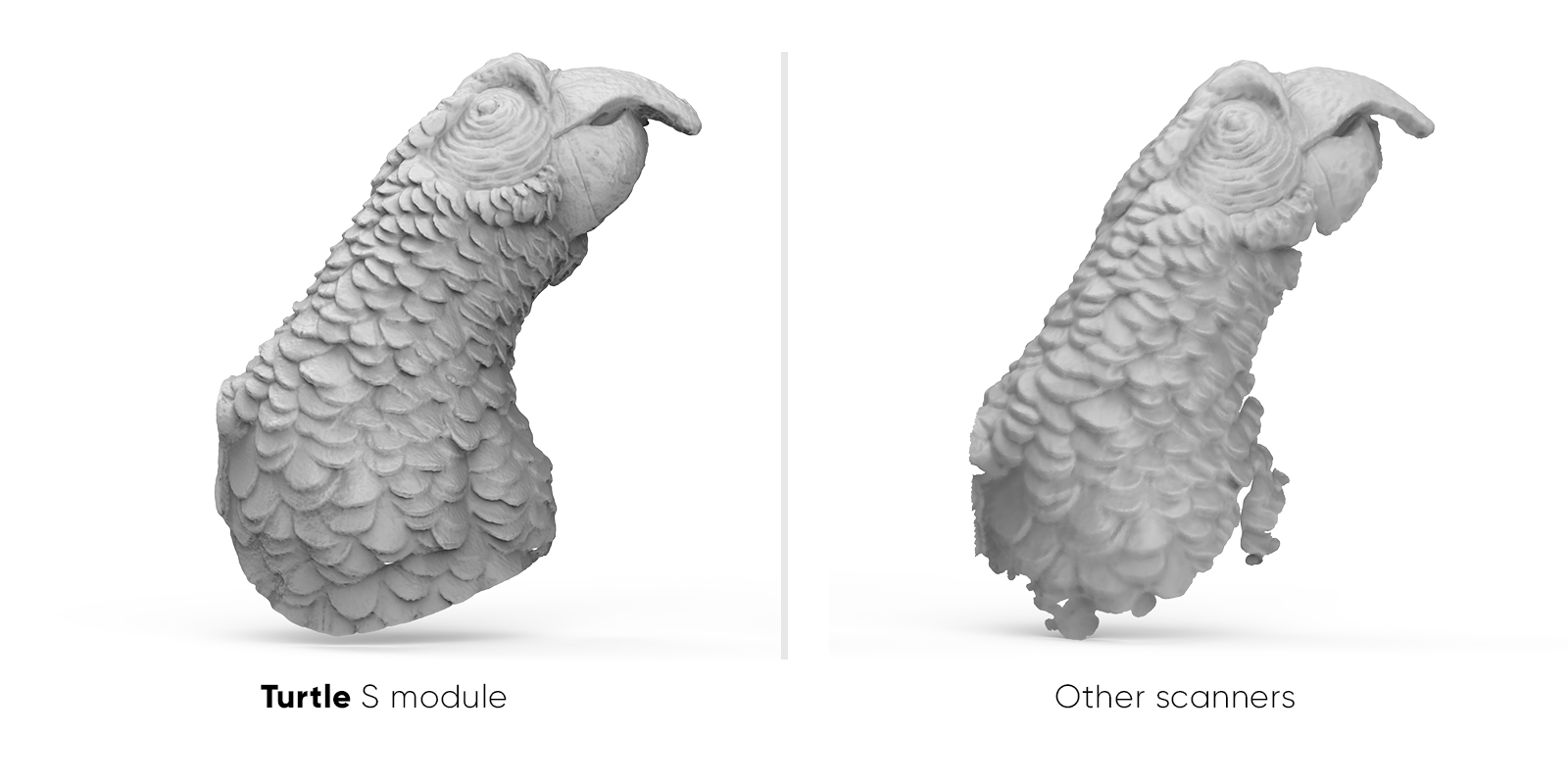
Same object, same distance, same lighting. 1:1 crop, no sharpening.
A Bigger Frame. A Deeper One, Too.
One pass takes in more.
A stronger projector widens and deepens what each frame captures. Recessed faces and stepped surfaces land inside a single frame instead of forcing you to keep hunting for the right distance.
Capture area per frame
2XTurtle Series
1XPredecessor
Scan depth per frame
Turtle M mudle1.5x
Predecessor1.0x
*Per-frame capture area and scan depth vs. predecessor modules of the same format
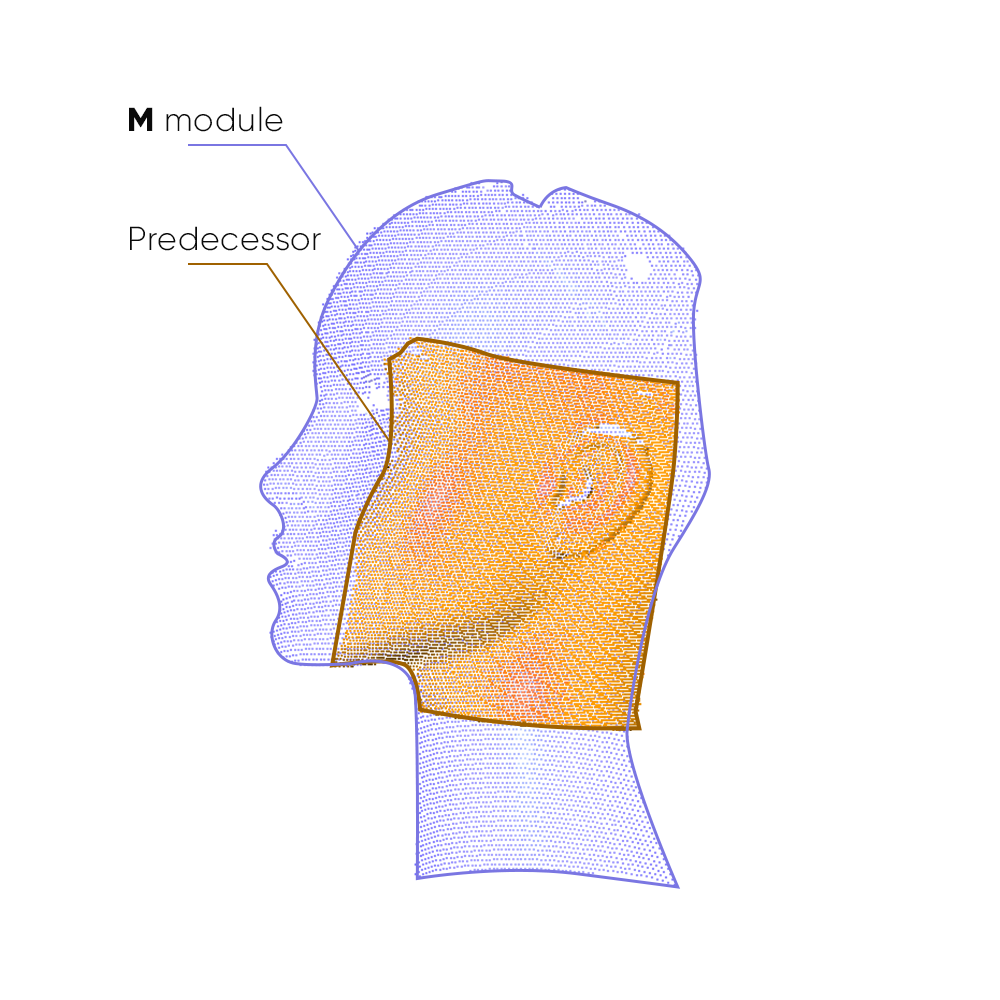
Capture area per frame
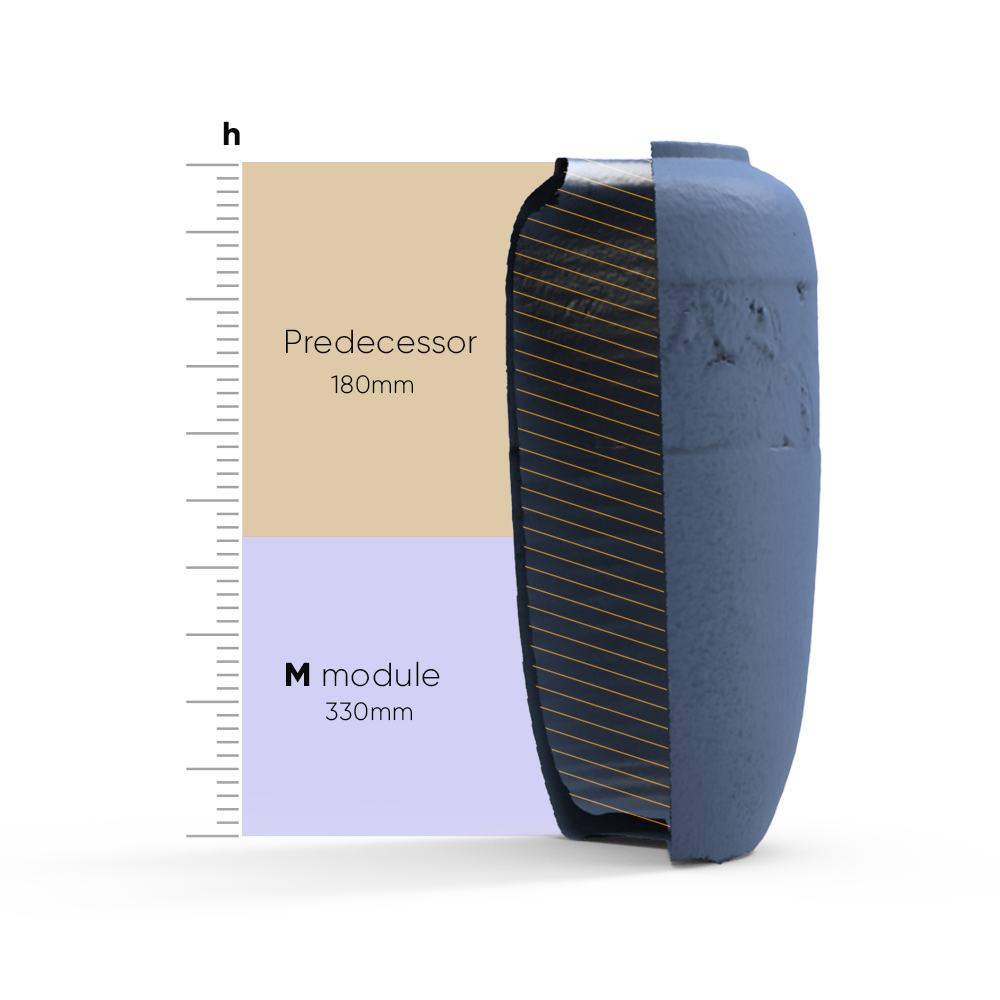
Scan depth per frameChapter 03 · Stability
Nothing to Place. Nothing to Lose.
A scan you can finish is the only scan that counts.
PURE FEATURE ALIGNMENT → ZERO PREP
Pick it up. Start scanning.
Turtle aligns on the object’s own geometry and texture — no markers to place, no cleanup afterwards. For extremely smooth, featureless surfaces, a light coat of scanning spray adds the features it needs. Still no markers.
FEATURE RELOCALIZATION → RESUME WHERE YOU WERE
Lose tracking, not progress.
If tracking drops, just point the scanner back at any area you’ve already captured — it picks up and continues. No starting over.
- Markerless AI visual tracking and feature recognition
- Instant re-lock after tracking loss
- Continue your 3D scan seamlessly, no reset
HIGH FRAME RATE MODE → SMOOTH, RESPONSIVE PREVIEW
Up to 30fps, PC-connected.
Connect to a PC and high frame rate mode reaches up to 30fps — three times the standalone rate. Move faster without dropped frames or a laggy preview.
Ready in under 10 minutes
Unbox. Plug in. Scan.
No calibration board. No setup wizard. Connect your module to the Control Pad or a computer, and the matching calibration file loads itself — you’re scanning in under 10 minutes.
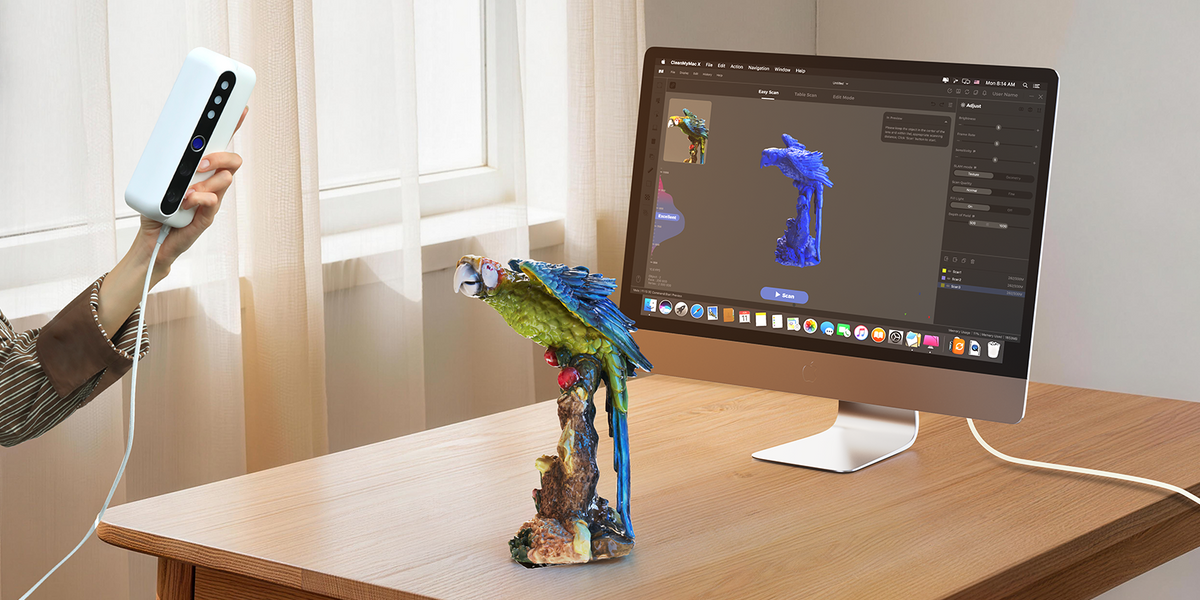
1
Plug in
Connect your module to the Control Pad or a computer
2
Auto-calibrate
Calibration loads itself with the module
3
Start scanning
Point and go
Capture on
Windows 11macOS 12/13 (M1/M2)
Process & export on
Windows 11macOS 12/13
Free 3D Scanning Software by 3DMakerpro
From connection and calibration to optimization and export, JMStudio keeps your entire scanning workflow simple and guided.
COMPATIBLE SOFTWARE
JMStudio — Built for Your Scanner
The exclusive 3D scanning software by 3DMakerpro. Real-time capture, one-click optimization, and seamless export to STL, OBJ, PLY & ASC formats.
Real-Time Capture
One-Click Optimize
STL / OBJ / PLY / ASC Export
Learn MoreFree with every scanner
Specifications
Scanning modules
S modulePrecision module
M moduleBalanced module
L moduleLarge-object module
Accuracy
0.01mm
0.03mm
0.05mm
Resolution
0.05mm
0.07mm
0.10mm
Single capture range
160 × 120mm
240 × 180mm
600 × 450mm
Work distance
180 – 280mm
200 – 400mm
500 – 950mm
Typical object sizes
10 – 300mm
15 – 1,500mm
100 – 2,000mm
Frame rate
10 fps / 30 fps (PC)
10 fps / 30 fps (PC)
10 fps / 30 fps (PC)
Light source
Blue LED
Blue LED
Blue LED
Color texture
Color textures, 24-bit
Color textures, 24-bit
Color textures, 24-bit
USB interface
USB Type-C
USB Type-C
USB Type-C
Output format
OBJ / STL / PLY / ASC
OBJ / STL / PLY / ASC
OBJ / STL / PLY / ASC
Control Pad
All-in-one base unit
Screen
6.4-inch 2K AMOLED
CPU
2 GHz × 8 cores
RAM
16GB
Storage
256GB SSD
USB interface
USB Type-C
Wireless
Wi-Fi 5
Battery capacity
10,000mAh / approx. 2 hours